UI · 페이지
Sotto
코드 렌더 · 같은 결과
AI meeting notes · get people to try a sample
Fictional AI meeting-notes tool
Sotto는 가상 브랜드이고 가격·수치·이미지는 모두 샘플입니다. 레시피는 실제 콘텐츠가 없는 자리를 지어내지 않고 조건 규칙대로 바꿉니다.
실제 페이지를 스크롤하며 녹화한 화면입니다(25초, 소리 없음). 데스크톱 1440×900 · 모바일 390×844 에서 검수했습니다.
섹션 화면
Demo 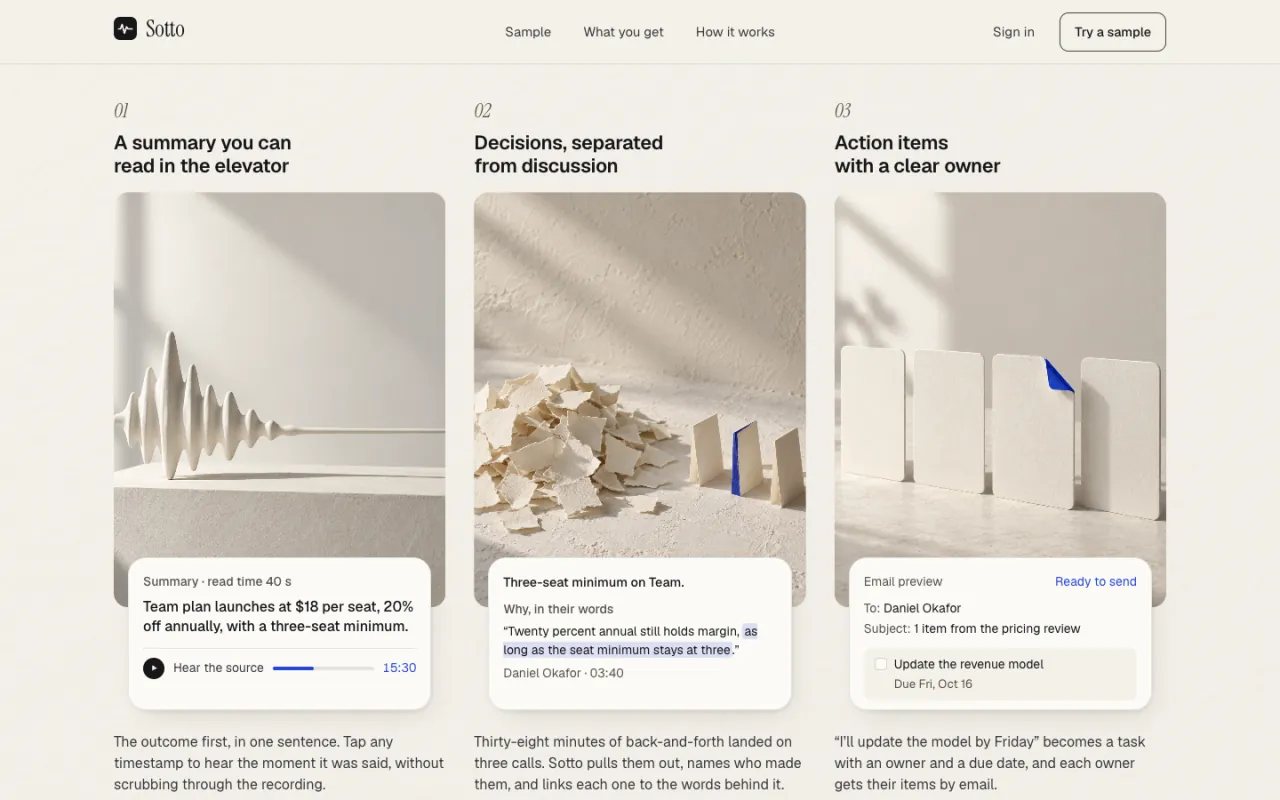
Benefits 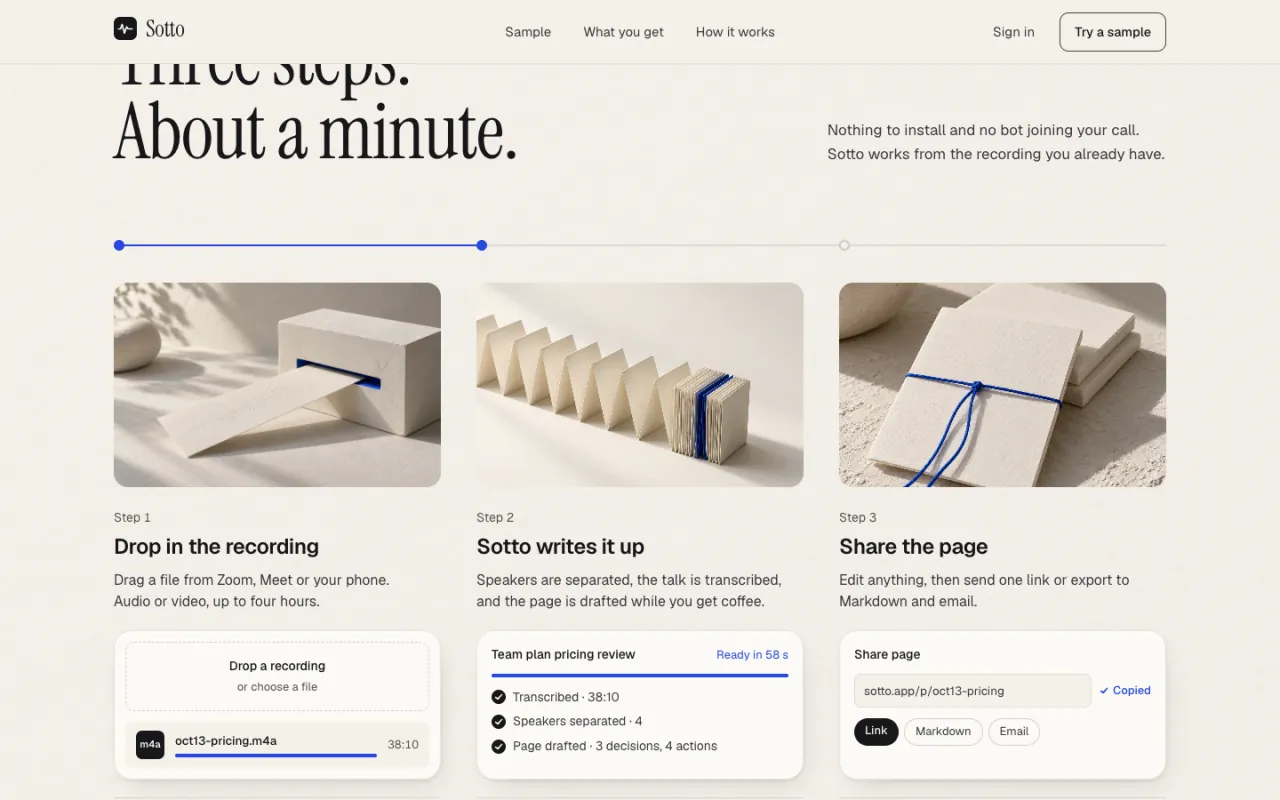
How it works 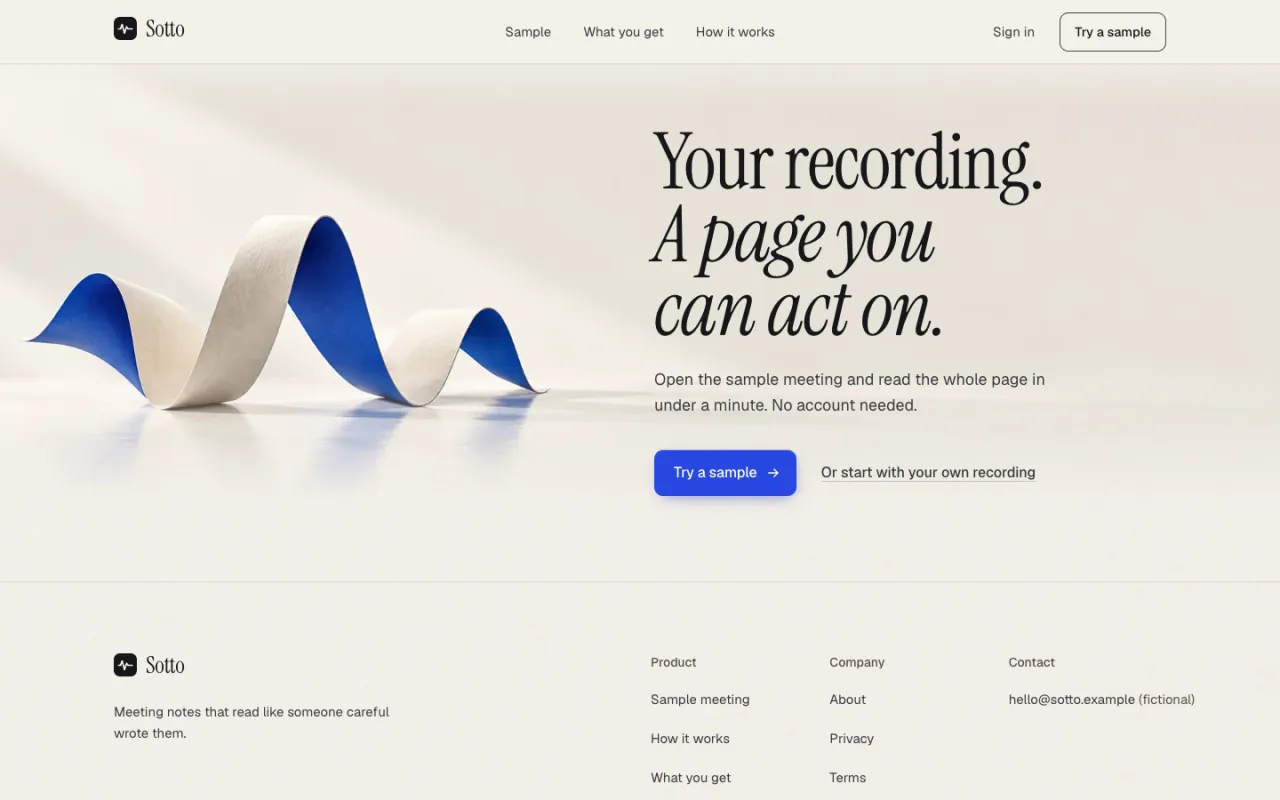
CTA
섹션 순서
위에서 아래 순서입니다. 내비게이션과 푸터는 모든 페이지에 들어 있어 뺐습니다.
- 01HeroH1 Product in Use
Headline over a live product surface (title, status chip, progress strip, tabs, two lists) in real DOM.
H1 Product in Use: a first-time visitor understands the tool by seeing its output, not by reading claims.
- 02Sequence시연
Pinned 17-frame image scrub: a paper strip turns into a waveform, then into stacked sheets.
Shows the transformation (talk → notes) as one motion before any detail.
- 03Demo시연
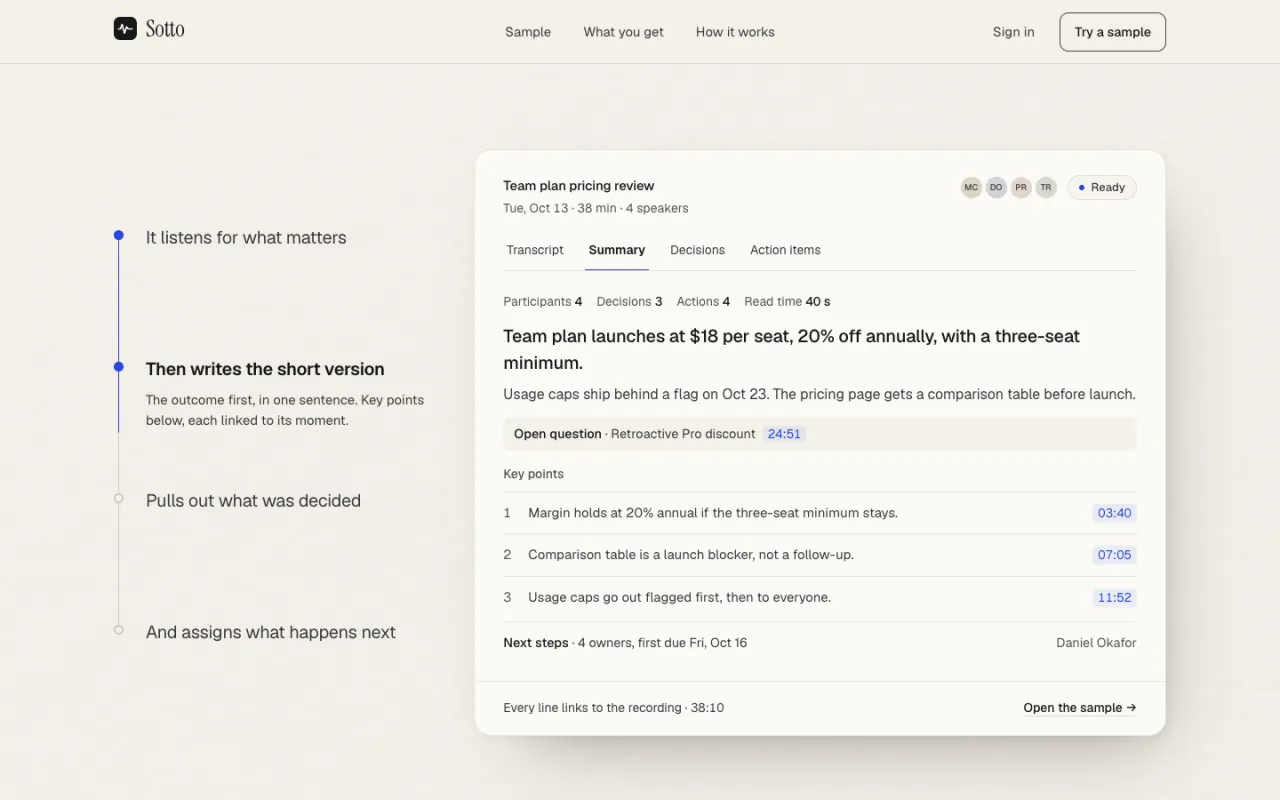
Pinned demo walking transcript → summary → decisions → action items.
Understanding comes from the real result; each step answers 'what do I get back?'.
- 04Benefits혜택·기능
Three-column band (summary, decisions, actions) plus a large Share feature.
Names the value of each output only after the visitor has seen it.
- 05Interlude작업·결과
A framed image that opens to full bleed.
A pause between explanation and process keeps the page calm.
- 06How it works이용 과정
Three steps with small UI vignettes and a scroll-drawn line.
Removes the last doubt about effort: upload, summarize, share.
- 07CTA행동 유도
Same label and link as the hero button, image scales down.
Hero and final CTA lead to one goal: try a sample.
조건별 변형
레시피는 만들기 전에 세 가지를 묻고, 답에 따라 아래 규칙으로 섹션을 바꿉니다.
| 이럴 때 | 이렇게 바꾼다 |
|---|---|
| No customer reviews | No testimonial, logo wall, rating or user count anywhere — this skeleton ships without a proof section. |
| Product not live yet | Primary CTA becomes "Join the waitlist"; hero and demo keep fixed demo data captioned "Preview with sample data." |
| No public pricing | No pricing section or prices in copy; the CTA's secondary link may say "Talk to us". |
| Pricing exists | Still no pricing section in this skeleton; mention only what the user confirmed. |
| Different product output | Keep the same surface structure (header, progress, tabs, paragraph, two lists) and relabel rows to what the product really outputs — real DOM, never a screenshot. |
스타일
Clarity — information hierarchy, ordered 12-col grid, ivory paper, one cobalt accent
쓰는 법
- 01복사
레시피 복사를 누르면 이 페이지의 전체 코드·토큰·이미지 주소가 든 레시피가 복사돼요.
- 02붙여 넣기
빈 폴더나 지금 프로젝트에서 Claude Code·Codex 를 열고 붙여 넣으세요.
- 03세 가지 답하기
에이전트가 서비스·주 행동·실제로 있는 자료(후기·가격·이미지 등)를 먼저 묻습니다. 있는 것만 답하세요.
- 04확인
답에 맞춰 섹션을 조정해 같은 구성·타이포·모션으로 만듭니다. 없는 후기·수치는 지어내지 않습니다.
레시피
- 길이
- 119,582자 · 약 30k 토큰
- 스택
- React 19 + Vite 7 + Tailwind CSS v4 + motion + Lenis (TypeScript)
- 글꼴
- Instrument Serif · Geist
- 버전
- v1.9.3
- 예시
- 가상 브랜드 · 샘플 데이터
레시피 하나에 이 페이지를 다시 만드는 데 필요한 것이 모두 들어 있습니다. MCP 를 연결했다면 get_ui 로도 받을 수 있어요.
레시피 안 이미지는 duchamp.app 에서 바로 불러옵니다. 내 이미지가 있으면 바꾸라고 말하세요.
첫 화면만 필요하면 히어로 레시피가 따로 있어요. 히어로만 보기 →